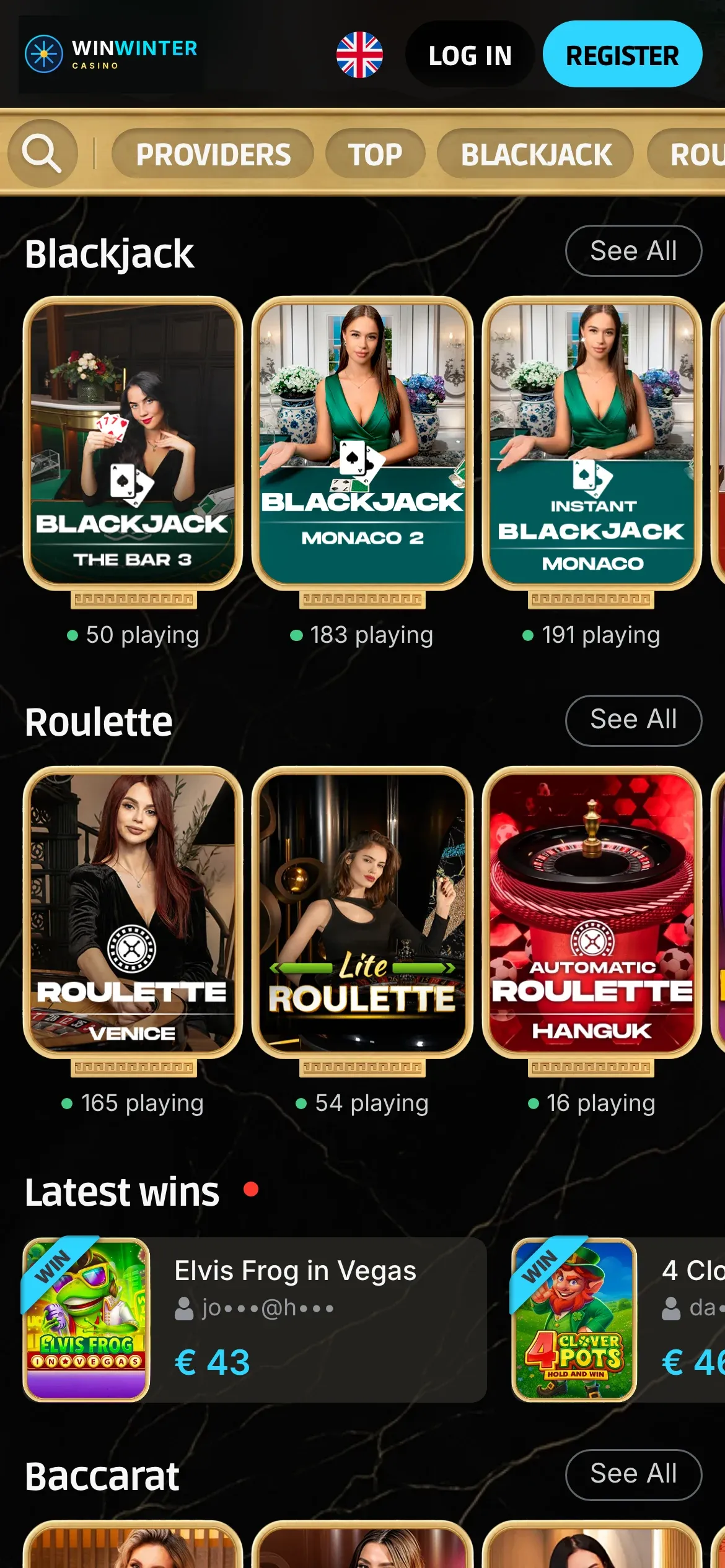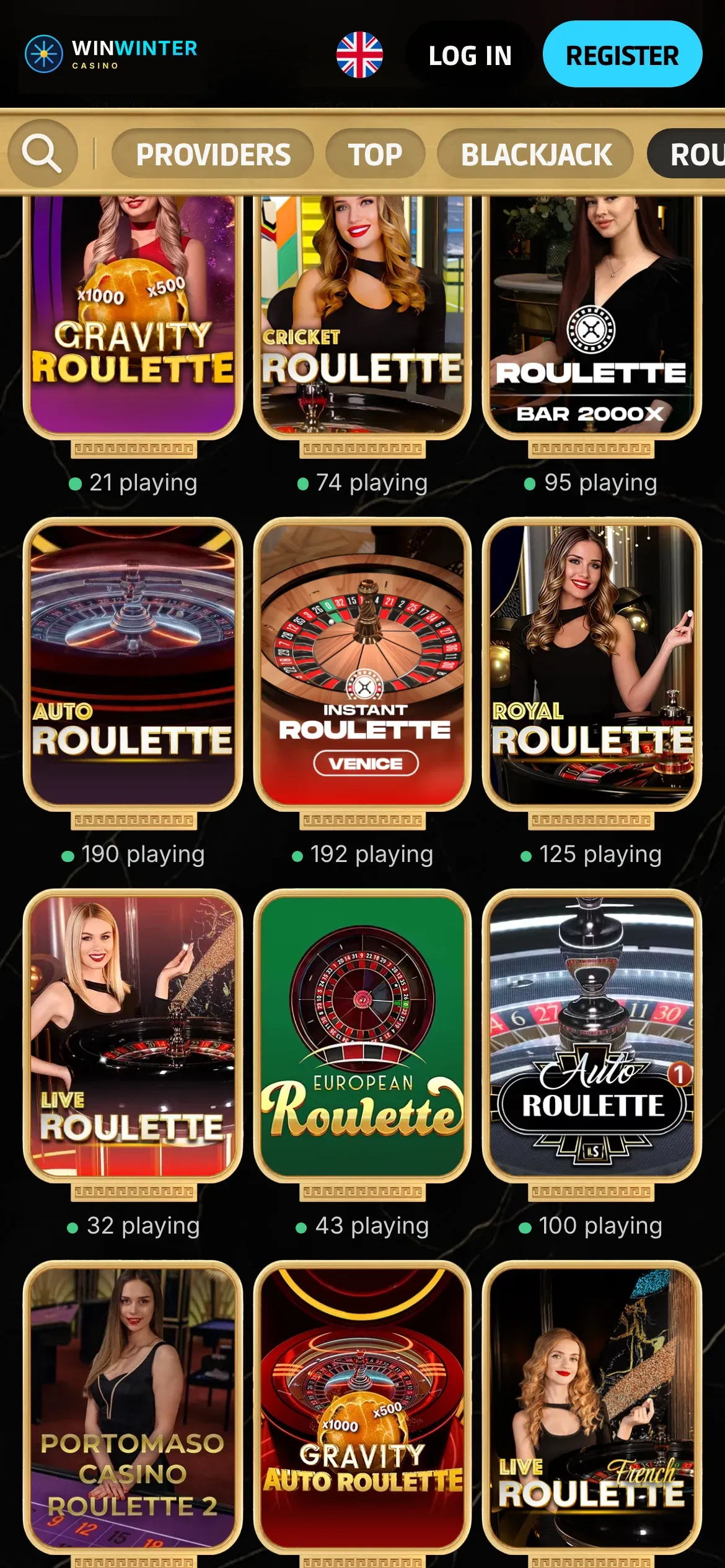



WinWinter mobile at a glance
Accessing live tables on a handheld device changes how you interact with the wheel and the cards. When you open the platform via a phone browser, the layout adapts automatically to portrait or landscape orientation, keeping the betting grid visible alongside the live video feed. This independent guide reviews how the mobile setup handles session navigation, video streaming, and touch controls for players who prefer gaming away from a desktop computer. The environment is built around browser compatibility rather than a traditional downloadable software package, which keeps storage requirements low on iOS and Android devices alike.
| Feature | Mobile Implementation |
|---|---|
| Access method | Browser-based portal (no store download needed) |
| Home screen shortcut | Supported via Safari and Chrome menu options |
| Live table library | 70+ tables across roulette, blackjack, baccarat, and game shows |
| Data consumption | Roughly 300 to 700 MB per hour depending on stream quality |
| Portrait mode support | Available for most live dealer and game show streams |
The adaptation of classic table games to smaller screens relies on responsive design principles that scale betting chips and video resolutions dynamically. You tap the screen to place chips on a European roulette layout, where the house edge sits at 2.70%, or swipe to confirm decisions at a blackjack seat featuring basic strategy edges of about 0.5% under favorable rules. A mobile session uses roughly 300 to 700 MB per hour, which is an estimate based on standard video bitrate scaling, so keeping an eye on your Wi-Fi or cellular data plan remains a sensible precaution before launching an extended live session.
WinWinter app or browser
Many players search for a dedicated software package in the App Store or Google Play, but the operator does not offer a native utility for download. Instead, the entire catalogue of over 3,000 games from more than 150 providers operates directly inside standard mobile browsers. This setup means you bypass manual updates and avoid compatibility errors tied to specific operating system versions. The interface loads quickly over 4G, 5G, or stable Wi-Fi connections, mirroring the desktop lobby while tailoring touch targets for smaller screens.
Creating a home screen shortcut on iOS Safari
Launching the platform without typing the web address every time takes only a few seconds on an Apple device. Open Safari, navigate to the main site, and tap the share icon at the bottom of the screen. Scroll through the available actions until you locate the option to add the page to your home screen. Confirm the name, and a dedicated icon appears alongside your other device applications, opening the mobile lobby in a full-screen view without browser tabs overhead.
Setting up a quick launcher on Android Chrome
Android users can achieve a similar result using the Google Chrome browser. Load the platform, tap the three vertical dots in the upper right corner to open the menu, and select the option to add to the home screen or install the app wrapper. This action places a direct shortcut on your device desktop, functioning much like a standalone application when launched. For deeper insights into account setup, banking rules, and platform features, you can consult our detailed WinWinter review before making your first deposit.
WinWinter live streams on mobile
Streaming high-definition video from studio floors directly to a phone screen requires robust video compression to prevent lag during betting windows. The stream quality adjusts automatically based on your current connection speed, dropping to a lower resolution if your signal dips to ensure uninterrupted gameplay. This automatic scaling helps prevent missed bets during fast-paced rounds like Lightning Roulette from Evolution, where multipliers can reach up to 500x on straight-up numbers.
Understanding data consumption during live sessions
Data usage varies significantly depending on whether you lock the video at standard definition or let it run in high definition. As a general guide, expect to consume between 300 and 700 MB of data per hour of active live play. Game shows with complex graphics, such as Crazy Time with its 54 segments and multiple bonus rounds, lean toward the higher end of that range due to constant switching between studio cameras and augmented reality overlays. Monitoring your mobile data allowance prevents unexpected overage charges, especially if you enjoy extended sessions away from home Wi-Fi networks.
Optimising touch controls and portrait orientation
Playing in portrait mode allows for one-handed operation on smaller screens, keeping the betting chips and action buttons within reach of your thumb. The software places the live video feed in the upper portion of the display while positioning the betting grid below. This arrangement works well for baccarat, where you track the banker bet house edge of 1.06% or the player bet edge of 1.24% without constantly rotating your device. Audio controls are easily accessible if you need to mute the dealer while commuting or playing in a quiet environment.